For years my diary lived on my phone, and my phone lived in a drawer at work. The thoughts I actually wanted to keep were the ones that turned up at three in the afternoon on a Tuesday, when I was already sitting in front of a keyboard. By the time I got home they had gone quiet, and I'd write something dutiful about dinner instead.
A browser fixes that. It's the same diary you already keep, only now it's reachable from whatever you happen to be sitting in front of.
If you've been searching for a diary website instead of an app, you're not doing it wrong. There are good reasons to want one, and a couple of limits that nobody selling you one is going to mention.
Why so many people want a diary website
When someone tells me they'd rather write online than install something, it's almost always about typing. A long entry on a phone keyboard is genuinely hard work, and the same entry on a laptop is closer to thinking out loud. And if you spend your day at a desk, a diary that lives in your pocket is a diary you'll keep forgetting about.
Plenty of people also just don't want another app. Their storage is full, or their work laptop won't let them install anything, or they're quietly tired of downloading things. Some want it on every machine they touch, which usually means the desktop at home, the laptop at work, and whatever computer they end up borrowing at Christmas. And a few tried the paper route, loved it, and then lost the notebook somewhere. Paper is lovely right up until it's in a box in a loft.
It's all friction, really. The diary you actually open will beat the diary with the better feature list every single time, and for a lot of people the one they actually open is the one already sitting in a tab.
What a browser is genuinely better at
I use both, and the web version does things my phone simply can't.
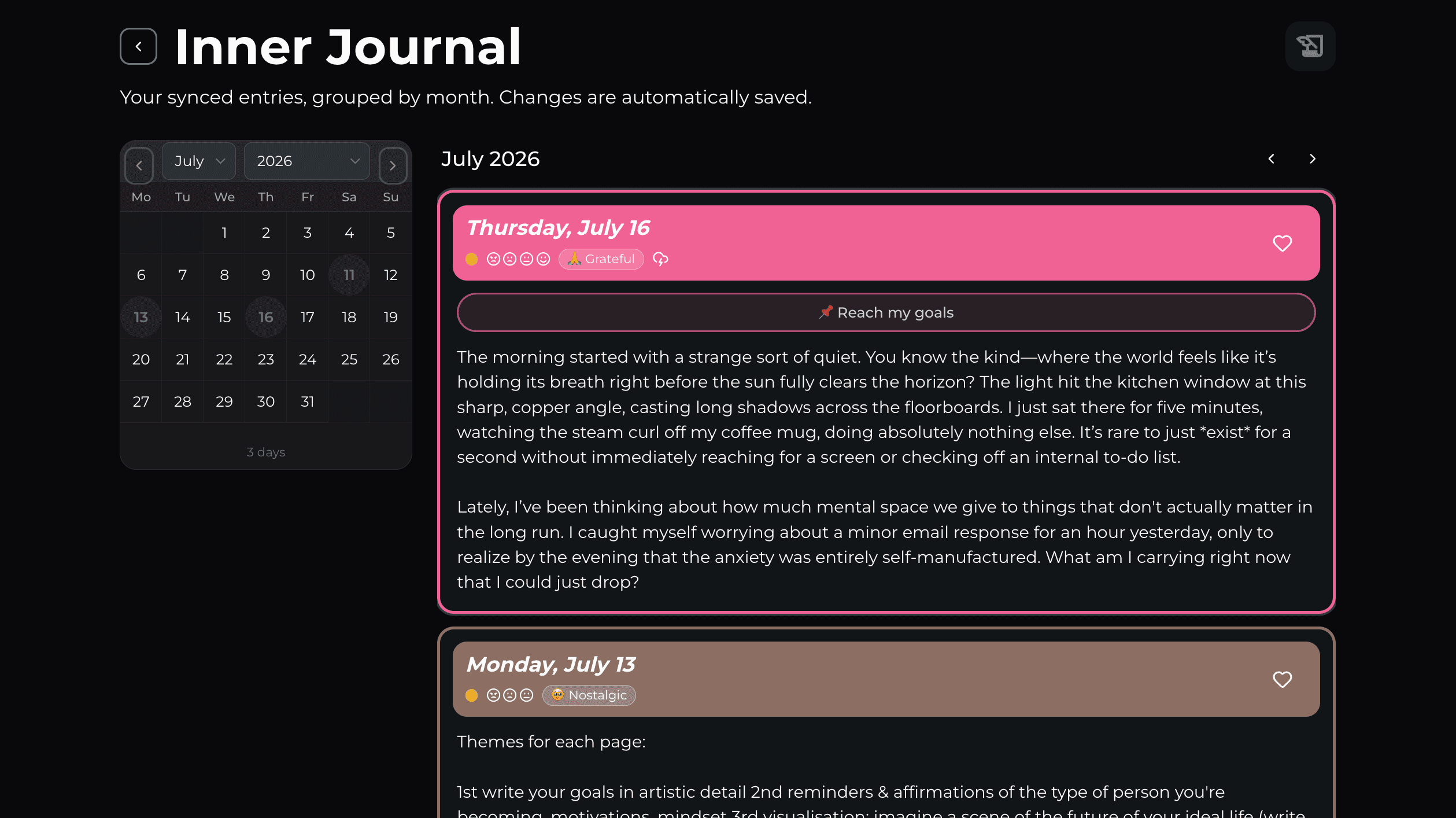
When something big happens I want to write eight hundred words about it, and that only ever happens on a real keyboard. A big screen also shows you a month of entries at once, so patterns you'd never notice while scrolling a phone start to surface on their own. That's most of the point of keeping a diary in the first place, and I wrote a whole piece about how to read your own writing patterns if that's the part you care about.
And there's nothing to install. You sign in and your diary is there, which on a locked-down work machine is sometimes the only thing that works at all. Getting text into an entry is easier too, whether it's a paragraph from an email or a message you want to hold on to, all of which is trivial on a computer and faintly miserable on a phone.
What to look for in an online diary
Some of this gets painful to discover five years in, so it's worth checking before you write a single entry.
Can you get your entries back out? Look for a proper export, something like PDF or a spreadsheet or plain files on your own disk. If the only way to retrieve five years of writing is to copy and paste it out by hand, it isn't really yours.
Who can actually read it? On most sites "private" only means other users can't see it, which is a much smaller promise than it sounds like. You want end-to-end encryption, and it's worth checking whether they charge extra for it.
Is it free because you're the product? An advertising tracker sitting next to your worst day of the year is a strange thing to agree to, and it's usually easy enough to spot.
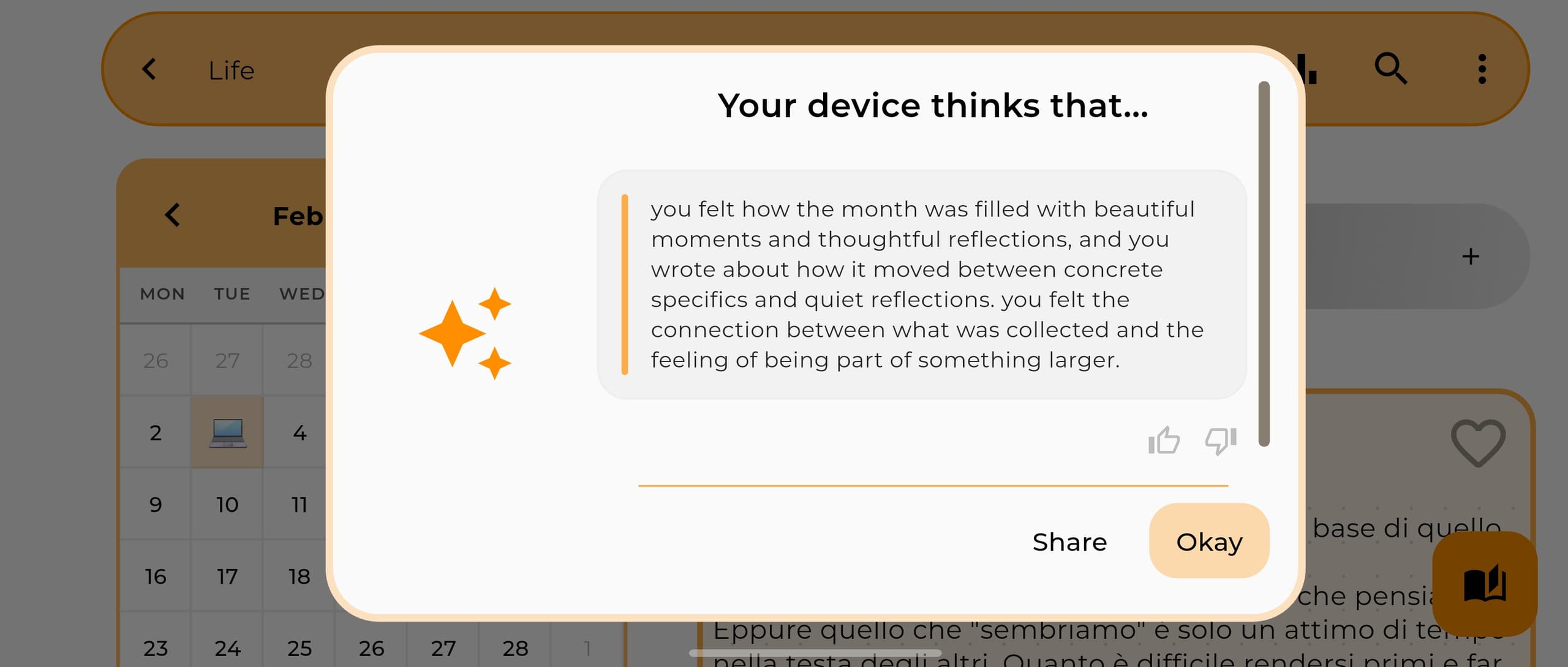
Does the AI read your entries somewhere else? Most of what gets sold as AI journaling works by uploading your writing to a server so a model can read it there. I wrote about why that bothered me enough to build around it.
Does it exist anywhere except the browser? The photo you take in the evening and the voice note you record walking home both need a phone in your hand. A diary that only lives on a website will quietly miss all of that.
Does it lock? You'll care about this the first time somebody else picks up your laptop.
How Inner Journal works in a browser
I built Inner Journal as an app first and added the web later, mostly because I kept wanting to write at my desk and couldn't.
In the browser you can write today's entry and edit any day you've already written, set a mood and a color for a day, move through the calendar month by month, look at your photos, play back your voice notes, and unlock an encrypted diary by typing your passphrase. I use it that way most weekdays.
The app still handles creating diaries, taking photos, recording audio and the offline AI. The last three want a camera, a microphone and a chip that a browser tab doesn't have.
The only catch is that diaries have to be created in the app. It takes about thirty seconds, and after that you can write from any browser you sign into. If you were hoping to never install anything at all, that's the one step I can't spare you yet.
What you get for it is a diary that doesn't only exist on a website. It lives on your device, it syncs when you tell it to, and it carries on working when the wifi stops. Two diaries sync free across all of your devices and the web, you choose which two and you can swap them whenever you like, and end-to-end encryption is free on every account rather than something held back for subscribers.
Writing on a computer you share
Three habits cover most of it.
Turn encryption on before you start writing, because switching over afterwards means re-uploading everything you've already got. Be careful with the passphrase though. There's no recovery for it. If you forget it the cloud copy gets wiped and the account falls back to standard sync, and while everything on your phone stays exactly where it was, it's still a bad afternoon. Write it down somewhere real.
Put a PIN on the diaries that would embarrass you (you set it in the app), so a browser tab left open on a shared desk isn't an open book. And sign out on machines that aren't yours, which everybody already knows and almost nobody does.
The detail on how the encryption actually works is all written up on the private journal page.
FAQ
Can I keep a diary online for free?
Yes. Writing, moods, photos, voice notes, statistics, exports and the offline AI are all free, and two diaries sync across your devices at no cost. Diaries and entries are unlimited on the free plan, so the diary itself is never throttled to push you into upgrading.
Do I need an account?
For the browser, yes, because the web has to know whose diary to show you. On the phone you can use the entire app without ever signing in. An account only buys you sync.
Can anyone at your company read my diary?
With end-to-end encryption switched on, no. Your entries are encrypted on your own device with a key derived from your passphrase, and all we ever hold is unreadable blobs. Dates, moods and tags stay readable so that deletions and backups still work. Without encryption your entries are stored encrypted in transit and at rest, though the usual caveat applies there: that protects you from outsiders, and you're still trusting the provider.
What happens if I lose my internet connection?
The web app can still show anything it has already loaded from its local cache, but new edits need a connection to save. The phone app is fully offline by design, since it stores everything locally first and treats syncing as something it does afterwards.
Can I move my diary somewhere else later?
Yes, and you should ask this of any diary site you're considering. In the app, Inner Journal exports each diary to PDF and Excel, and makes a full local or Google Drive backup of everything at once.
A diary website closes a real gap, which is the distance between having a thought and getting it written down. It just shouldn't be the only place your diary lives.
If you want the browser for the long entries and the rereading, and the phone for the photos and the evenings, that's the thing I built. Start on the phone, then write from wherever you happen to be.
Download Inner Journal free on the App Store or Google Play.
Have feedback, or something I got wrong? I read everything, so please reach out from inside the app or at contactjournalpersonaldiary.com.
Built with love 🤍 Rick
%20Inner%20Journal.jpg&w=2560&q=75)