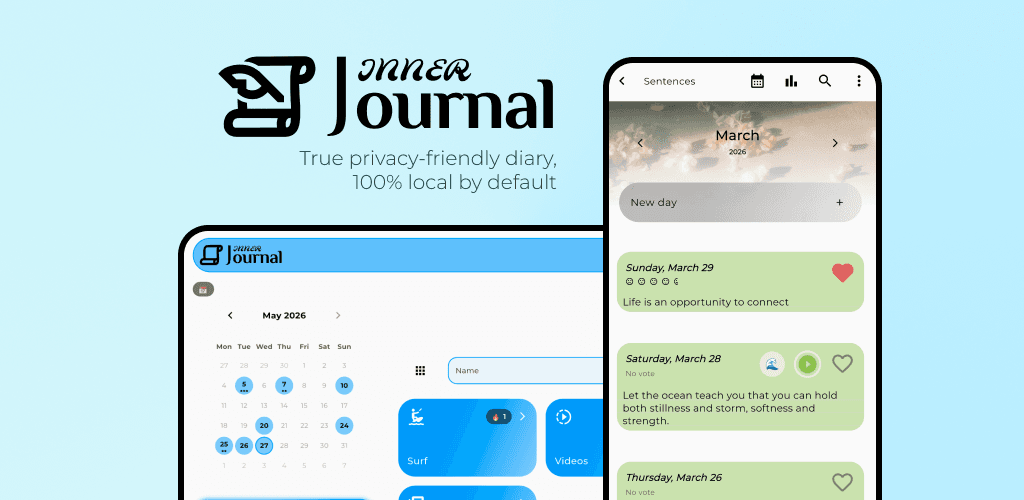
"AI journaling" has quietly come to mean one thing: your entries are uploaded to a server, a model reads them there, and the insights come back. It's the easy way to build the feature. For a diary, it's also the wrong default.
Here's the difference between cloud and on-device journaling, and where Inner Journal draws its lines.
How cloud AI journaling works
In a cloud setup, the AI lives on a company's servers, so your diary has to travel there to be processed. That has consequences worth naming:
Your most personal writing is stored and read on machines you don't control.
The AI features need a connection. No signal, no feature.
You're trusting a provider's access rules, retention and sometimes model-training choices with text you'd never post publicly.
None of this has to be malicious. It's convenient, and convenience is a fair thing to want. But a diary is an unusually sensitive app, and "send everything to a server" is a heavy default for it.
How on-device journaling works
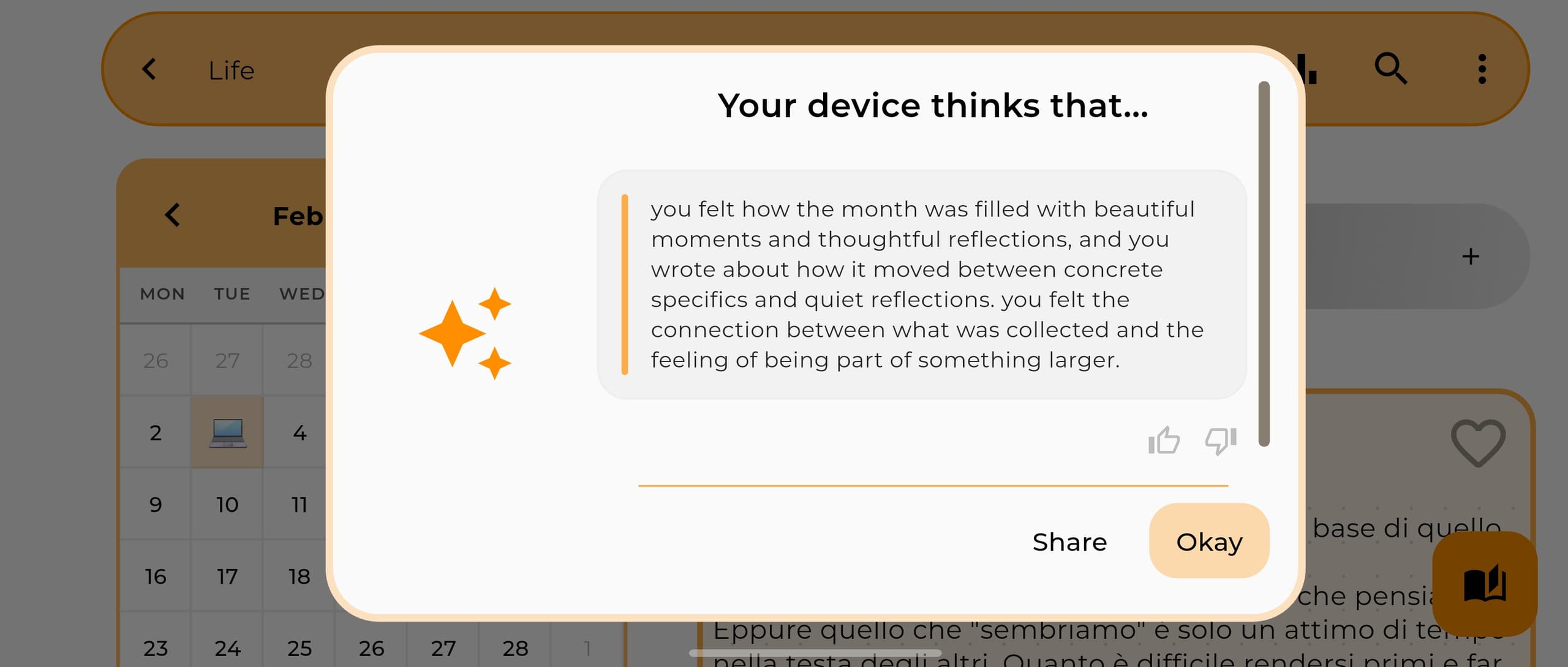
Inner Journal keeps your diary on your phone by default, and the AI runs on the phone too. Your entries are never sent anywhere to be analyzed. Once a model is set up, the AI features work offline, even in airplane mode. And if you never turn on sync or a cloud backup, your diary never leaves the device.
The assistant is free and, in the app, it can:
write a short overview of your month, and do it on its own when a month ends (you can turn that off)
answer questions about your month from your own pages ("what did I write about my brother?")
suggest a mood when you close a day, which you can accept or ignore
offer a daily spark, a writing prompt drawn from your recent entries
take dictation straight into an entry, using a speech model on the device
rewrite an entry when you ask, for example to fix grammar or make it shorter, and keep every earlier version on the device so you can restore it
Here's the side-by-side:
Cloud AI journaling | Inner Journal | |
|---|---|---|
Where your entries go for the AI | Uploaded to a server | Stay on your device |
What reads them | A server-side model | A model on your phone |
Works offline | No | Yes, after a one-time setup |
Account required | Usually | No, it's optional |
Ads or advertising ID | Often | None |
Who can read your text | The provider, technically | Only you |
Where Inner Journal still uses the cloud, and how it's protected
A clean marketing line would be easier. Here's the full picture instead. Your diary leaves the phone only through things you switch on:
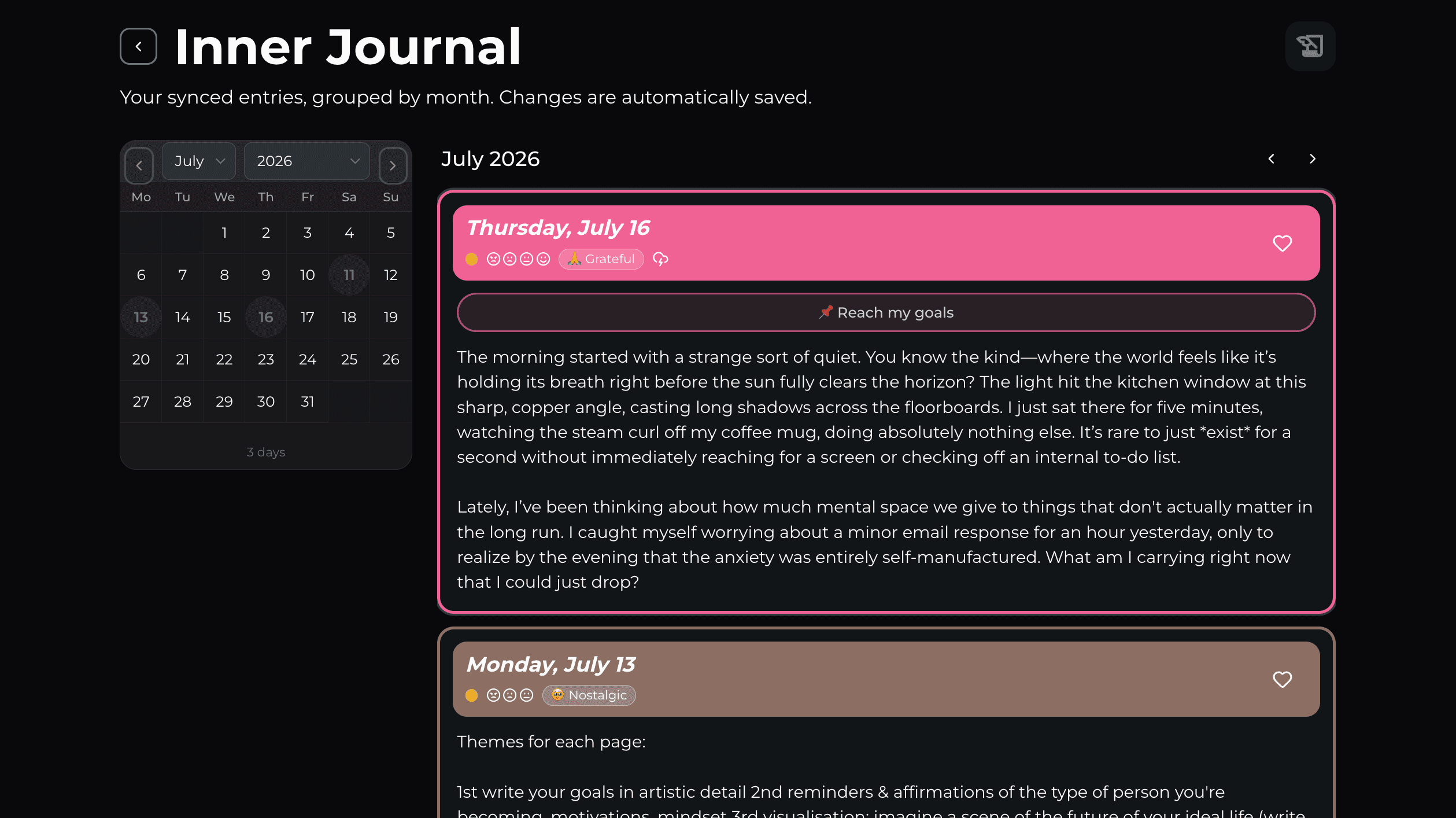
Cloud sync, which keeps your diaries in step across your phone, tablet and the web. It needs you to sign in, and it's free for 2 diaries.
Backups you choose, like Google Drive.
When you use sync, you can also turn on end-to-end encryption, free on every account. Your entry text and media are encrypted on your device with AES-256-GCM before they're uploaded. The key comes from a passphrase only you know (PBKDF2-HMAC-SHA-256, 600,000 iterations), so our servers only ever hold data they can't read.
To be precise about the scope: that encryption protects the cloud copy. A small amount of metadata (dates, mood, tags and sync identifiers) stays readable so deletions and backups work. There's no passphrase recovery. If you forget it, the cloud copy is wiped and re-uploaded with standard sync, while the entries on your device stay as they are. On the device itself, your entries live in the app's storage, protected by the operating system's sandbox. That's the exact shape of it, and I'd rather show you the line than blur it.
What "private" means in practice
For Inner Journal, privacy isn't one feature. It's a set of defaults:
No account needed. The diary works fully without signing in. An account adds sync and the web app.
Local-first storage. Your diary lives on the device unless you turn on sync or a cloud backup.
On-device AI. Insights are generated on the phone, never from an uploaded copy.
No ads, no advertising ID, no profiling. Your data isn't sold or shared with ad networks.
The trade-off, stated plainly
On-device AI asks for something a cloud model doesn't: a capable device. On Android that means a one-time model download and enough memory (6 GB of RAM or more is recommended). On iOS 26 and later, the assistant uses Apple Intelligence, so there's no model to download, but it has to be turned on. Dictation needs its own speech model, downloaded once. The rewrite works with specific models only: Gemma 4 E2B on Android and Apple's model on iOS.
That's a real cost. In return, your diary doesn't have to live on someone else's computer to be useful.
Personally, it's the trade I wanted: a bit of storage and memory on my phone, and my words stay out of a datacenter.
FAQ
Is my diary uploaded to use the AI? No. The AI runs on your device, and entries are never sent to a server for analysis.
If I turn on sync, can you read my diary? With end-to-end encryption on, no: the synced text and media are encrypted with a key only you hold. Without it, standard sync stores your data on our cloud provider, encrypted in transit and at rest. Some metadata stays readable either way.
Do I need an account? No. Signing in is optional and adds sync and the web app. The diary works offline without one.
Does the AI cost extra? No. Every AI feature in Inner Journal is free. Plus adds things like sync for all your diaries, not AI.
Read the architecture
The models, device requirements and the full encryption scheme are on the on-device AI architecture page, and the privacy details are on the private journal page.
Download Inner Journal free on the App Store or Google Play.
Built with love 🤍 Rick
Have feedback? Reach out from inside the app or at contact@journalpersonaldiary.com.
%20Inner%20Journal.jpg&w=2560&q=75)